



Architecture is changing fast. Artificial Intelligence (AI) is now part of the architect’s toolkit. From designing floor plans to creating realistic 3D renderings, AI can save hours of manual work.
Free AI tools are especially helpful for students, freelancers, and small firms. You don’t need expensive software to experiment, generate ideas, or visualize projects.
In this guide, we will explore 19 best free AI tools for architects in 2025. Each tool comes with a detailed description, key features, use cases, pricing, and tips for maximizing its potential.
By the end, you will know exactly which tools fit your workflow. You’ll also learn how to combine AI tools to boost creativity and efficiency.
Why Architects Should Use AI Tools
1. Faster Design Process
AI tools automate repetitive tasks. For instance, generating multiple floor plan options or rendering different perspectives of a building. This allows architects to focus more on creativity.
2. Smarter Project Planning
AI tools can analyze a site, check zoning regulations, and suggest optimal layouts. This reduces errors and speeds up feasibility studies.
3. Cost-Effective Solutions
Many AI tools are free or offer free plans. Even when paid plans are needed, free versions can handle smaller projects or student work.
4. Enhanced Creativity
AI can suggest designs or styles you may not think of. Architects can explore multiple concepts quickly, which helps in client presentations and brainstorming sessions.
5. Free vs Paid Tools
Free tools often cover the basics like visualization, modeling, or design suggestions. Paid versions usually unlock advanced features like high-resolution rendering, AI optimization, or large-scale project support.
19 Best Free AI Tools for Architects in 2025
Discover the most powerful free AI tools for architects in 2025. From smart design assistants to visualization platforms, these tools can help you create stunning models, speed up workflows, and bring your ideas to life—without spending a cent.
1. Planner 5D
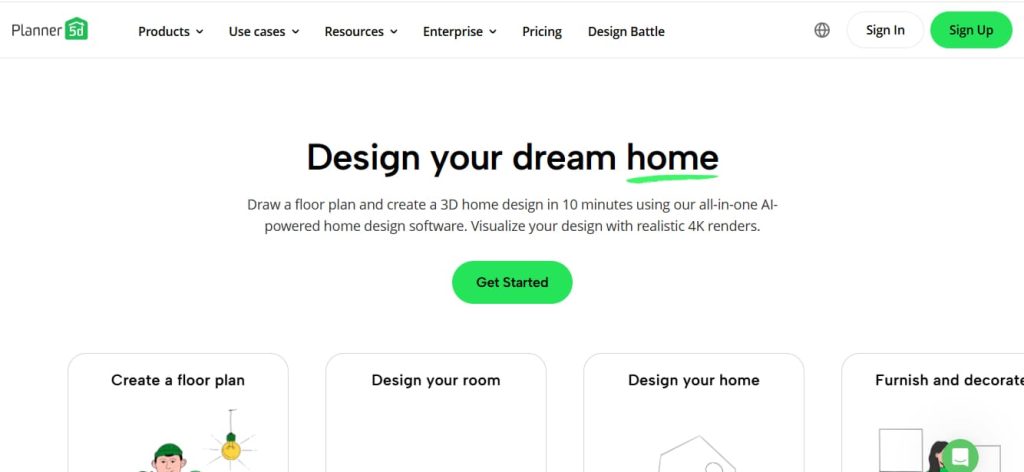

Planner 5D is a user-friendly AI tool for designing interiors and exteriors. It allows architects and students to create 2D floor plans and convert them into 3D models instantly.
How Architects Can Use It:
-
Quickly create conceptual layouts.
-
Visualize interior designs in 3D.
-
Present ideas to clients without complicated CAD software.
Key Features:
-
Drag-and-drop interface for walls, furniture, and décor.
-
AI-assisted room layout suggestions.
-
Extensive library of furniture, textures, and materials.
-
3D visualization and walkthroughs.
Pricing:
-
Free version available with basic features.
-
Premium plans start at $5/month for additional items and HD rendering.
Pros: Easy to learn, fast, and beginner-friendly.
Limitations: Limited advanced architectural functions; better for interiors than structural design.
2. Archistar AI

Archistar AI combines AI and GIS (geographic information system) data to assist architects in site analysis, zoning, and urban planning. It helps visualize potential developments on real-world sites.
How Architects Can Use It:
-
Conduct feasibility studies for urban or commercial projects.
-
Generate multiple building massing options quickly.
-
Check zoning compliance automatically.
Key Features:
-
AI-generated building massing studies.
-
Zoning and regulation checks.
-
Solar and daylight analysis.
-
Real-time site planning suggestions.
Pricing:
-
Free trial available with limited features.
-
Paid plans required for full-scale urban planning functions.
Pros: Excellent for large projects, speeds up compliance checks.
Limitations: Free version has restricted access; mainly aimed at professional architects.
3. LookX AI


LookX AI is a concept generation tool that produces design ideas from simple inputs. It’s perfect for early-stage design exploration.
How Architects Can Use It:
-
Quickly generate multiple design concepts.
-
Explore new aesthetics or layouts.
-
Export generated concepts to CAD or 3D software for refinement.
Key Features:
-
AI-powered concept generation.
-
Style-based suggestions.
-
Quick export to CAD/3D formats.
Pricing:
-
Free plan allows limited concept generations per month.
-
Premium plan unlocks unlimited outputs and high-resolution exports.
Pros: Speeds up brainstorming sessions.
Limitations: Concepts may require manual refinement for practical implementation.
4. SketchUp Free + AI Plugins
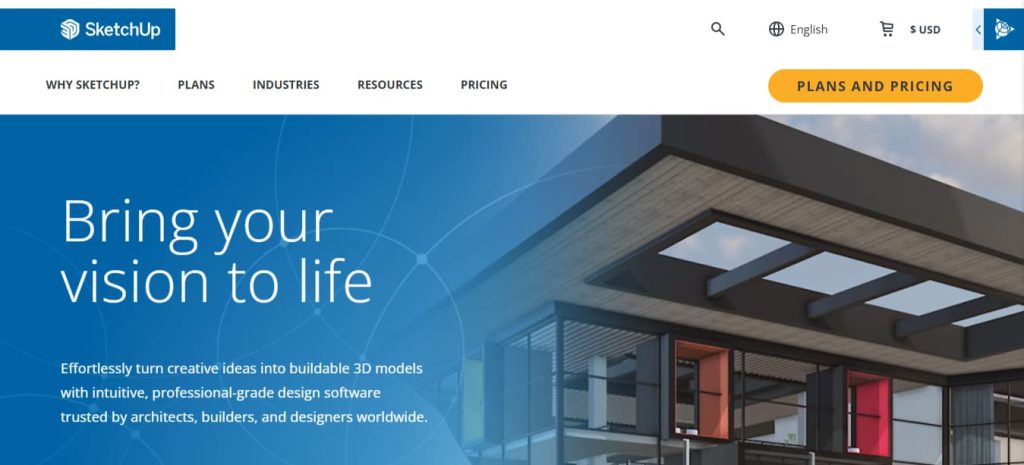

SketchUp Free is a web-based 3D modeling tool. When combined with AI plugins, it becomes a powerful assistant for architects, allowing automatic layout suggestions, texture mapping, and even AI-assisted rendering.
How Architects Can Use It:
-
Create detailed 3D models quickly.
-
Test different material finishes and textures using AI plugins.
-
Integrate with CAD and BIM workflows.
Key Features:
-
3D modeling and drafting.
-
Web-based free version accessible from any device.
-
AI plugins for auto-layout, rendering, and design assistance.
Pricing:
-
Free version available.
-
Paid plans start at $14/month for additional features and offline access.
Pros: Easy to learn, widely adopted in architecture.
Limitations: AI plugin setup can be tricky; free version lacks advanced features.
5. Morpholio Board


Morpholio Board is an AI-driven tool for creating mood boards, sketches, and material boards. It helps architects and interior designers communicate concepts visually.
How Architects Can Use It:
-
Prepare presentation boards for clients.
-
Experiment with colors, textures, and materials.
-
Combine inspiration images into cohesive visual concepts.
Key Features:
-
AI suggestions for colors and materials.
-
Automatic layout suggestions.
-
Export boards in high-resolution.
Pricing:
-
Free version available with limited features.
-
Paid plans unlock full library and advanced AI suggestions.
Pros: Ideal for presentations and conceptual design.
Limitations: Free version limited; primarily for interior concepts rather than structural planning.
6. Foyr Neo (Free Plan)
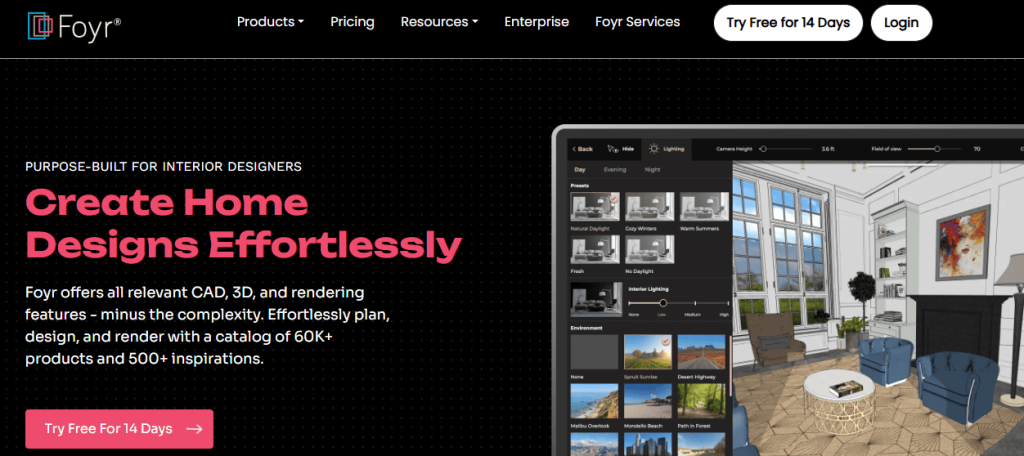

Foyr Neo is a free AI-powered tool for interior and space design. It allows users to create floor plans, 3D models, and realistic renderings quickly.
How Architects Can Use It:
-
Visualize residential and office interiors in 2D and 3D.
-
Test multiple layouts and color schemes.
-
Generate client-ready visuals fast.
Key Features:
-
AI-assisted layout and color suggestions.
-
Drag-and-drop interface.
-
Real-time rendering.
-
3D and 2D design support.
Pricing:
-
Free plan available with basic features.
-
Paid plans start at $49/month for unlimited projects and advanced rendering options.
Pros: Intuitive, fast, and suitable for beginners.
Limitations: Free plan limits number of projects and advanced rendering quality.
7. ArkDesign AI
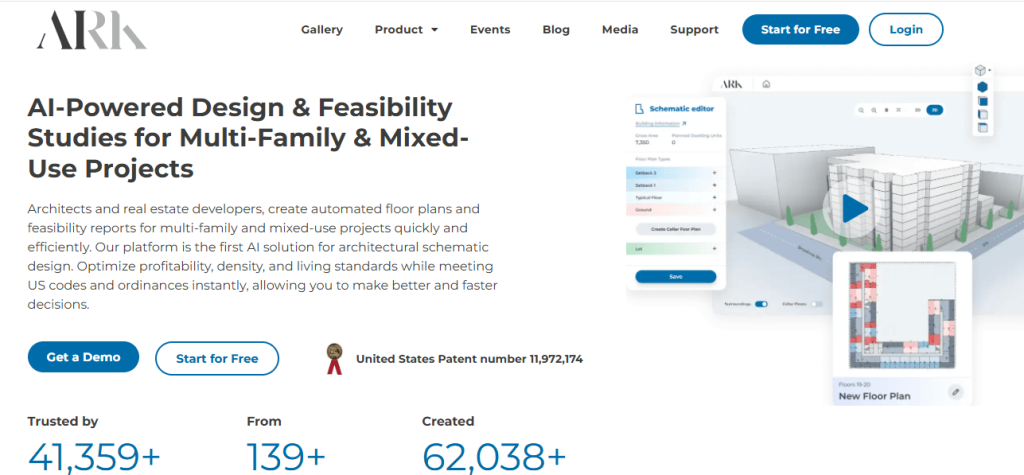

ArkDesign AI is a generative design tool built specifically for architects. It uses AI to produce multiple design options based on your input, optimizing for space, light, and functionality.
How Architects Can Use It:
-
Generate massing studies quickly.
-
Explore different floor plan layouts for residential or commercial projects.
-
Test various building configurations before committing to a final design.
Key Features:
-
AI-driven massing studies.
-
Automated floor plan suggestions.
-
Space optimization for efficiency.
-
Ability to export layouts to CAD and BIM software.
Pricing:
-
Free version allows limited concept generation.
-
Paid plans unlock more design options and high-resolution exports.
Pros: Speeds up early-stage design, helps explore more ideas in less time.
Limitations: AI suggestions may need refinement for feasibility and regulations.
8. MidJourney (Free Trial)
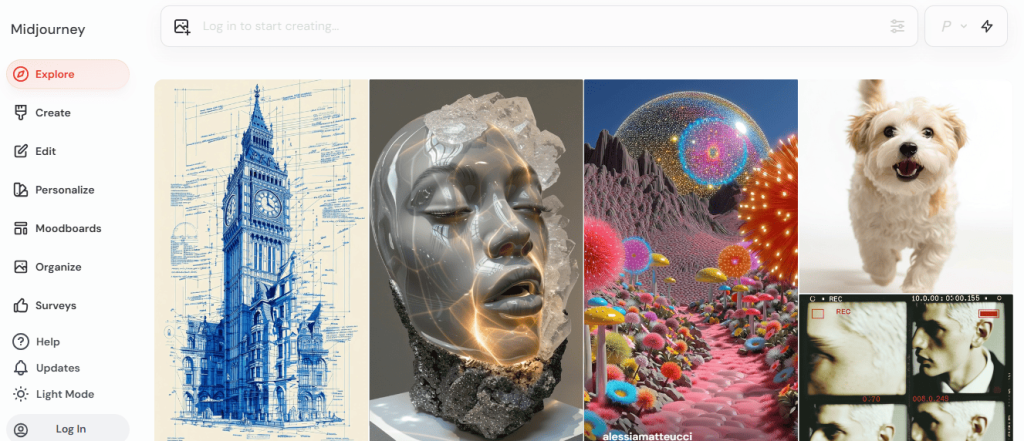

MidJourney is a leading AI tool for creating concept art and architectural visualizations from text prompts. It generates stunning imagery that architects can use for inspiration or presentations.
How Architects Can Use It:
-
Generate concept visuals for client presentations.
-
Explore design styles and building aesthetics.
-
Create artistic renderings of buildings and interiors.
Key Features:
-
AI-generated images from text prompts.
-
Multiple styles and customization options.
-
Free trial available for limited generations.
Pricing:
-
Free trial with limited monthly prompts.
-
Paid plans start at $10/month for more generations and higher resolution images.
Pros: Produces highly creative and visually appealing concepts.
Limitations: Outputs are conceptual; not suitable for technical drawings.
9. Stable Diffusion
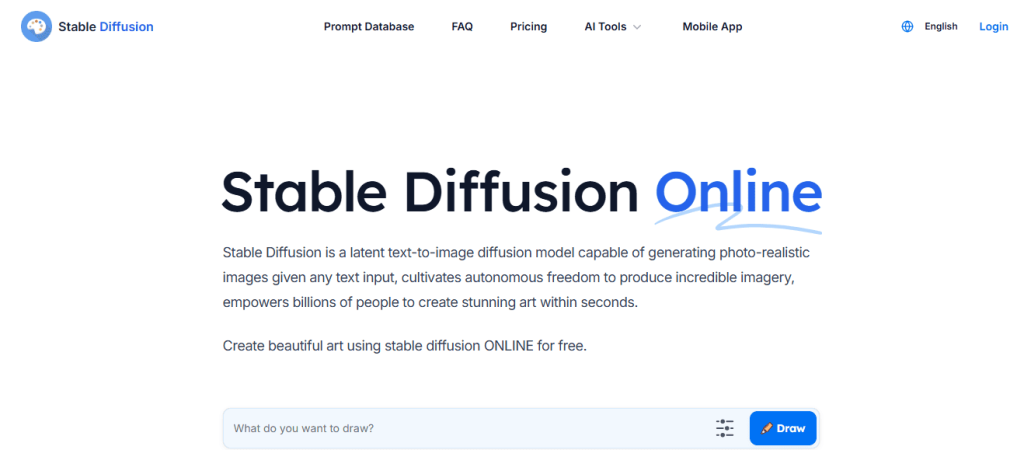

Stable Diffusion is an open-source AI image generation tool. Architects can use it to create realistic visuals from sketches, photos, or text prompts.
How Architects Can Use It:
-
Experiment with design concepts and building facades.
-
Generate visual content for marketing, presentations, or client approval.
-
Visualize interiors or exteriors in different styles.
Key Features:
-
AI-generated images with customizable styles.
-
Open-source, can run locally or via online platforms.
-
Supports iterative refinement of images.
Pricing:
-
Free to use; some online platforms may require minimal credits.
-
Paid cloud solutions available for faster rendering or higher resolution.
Pros: Flexible and creative tool for concept visualization.
Limitations: No CAD/BIM integration; requires skill to get desired outputs.
10. DALL·E 3 (Free via ChatGPT)


DALL·E 3 generates high-quality images from text prompts. It allows architects to turn simple descriptions into detailed visual concepts.
How Architects Can Use It:
-
Create concept images for client presentations.
-
Explore new architectural styles or ideas.
-
Visualize interiors, landscapes, or building exteriors quickly.
Key Features:
-
AI-powered image generation from text.
-
Multiple styles and resolutions.
-
Free access through ChatGPT interface.
Pricing:
-
Free access available through ChatGPT.
-
Paid access unlocks higher resolution and faster generation.
Pros: Quick idea generation and visualization.
Limitations: Best suited for concept ideas; not accurate for technical planning.
11. Veras AI (Trial)
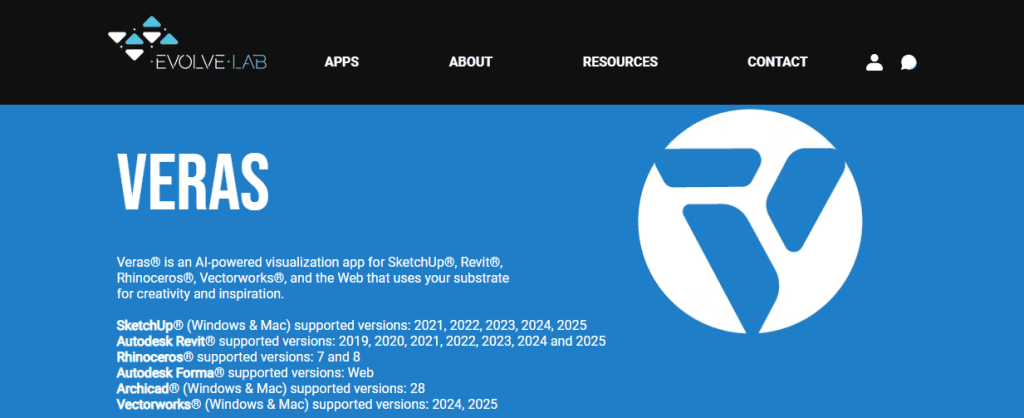

Veras AI is a rendering tool that integrates with Revit models to create photorealistic images using AI. It speeds up visualization workflows for architects.
How Architects Can Use It:
-
Produce high-quality renderings of 3D models.
-
Test lighting, materials, and textures quickly.
-
Share photorealistic visuals with clients or stakeholders.
Key Features:
-
AI-assisted rendering.
-
Quick previews for design evaluation.
-
Integration with Revit models.
Pricing:
-
Free trial available.
-
Full version requires subscription for advanced rendering and unlimited projects.
Pros: Reduces time spent on rendering, produces professional visuals.
Limitations: Limited free trial; full capabilities require paid subscription.
12. Polycam (Free Version)
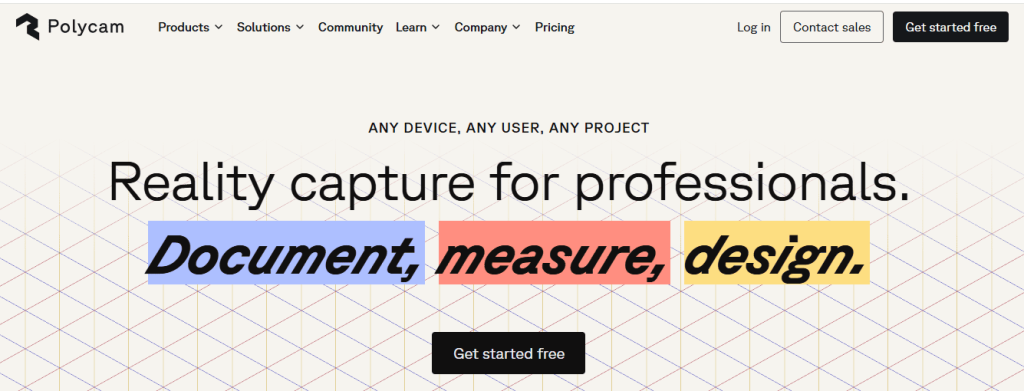

Polycam is an AI-powered 3D scanning tool. It allows architects to capture real-world environments and convert them into accurate 3D models.
How Architects Can Use It:
-
Scan existing buildings or renovation sites.
-
Generate accurate 3D models for planning or BIM integration.
-
Visualize spaces in 3D before creating detailed designs.
Key Features:
-
AI-driven 3D scanning from photos or LiDAR.
-
Exports to CAD and 3D modeling formats.
-
Realistic texture and mesh generation.
Pricing:
-
Free version available with basic export options.
-
Paid plans unlock higher-resolution scans and additional export formats.
Pros: Speeds up site documentation, very accurate.
Limitations: Advanced features and high-quality scans require paid plans.
13. NVIDIA Canvas (Free)


NVIDIA Canvas is an AI-powered tool that transforms rough sketches into realistic landscape and environment visuals. It’s ideal for conceptualizing outdoor spaces or landscaping in architectural projects.
How Architects Can Use It:
-
Convert hand sketches into photorealistic visuals.
-
Visualize landscapes, gardens, or urban environments.
-
Experiment with materials, textures, and lighting quickly.
Key Features:
-
AI-driven sketch-to-image conversion.
-
Variety of materials and natural elements.
-
High-resolution output suitable for presentations.
Pricing:
-
Free to use. Requires NVIDIA GPU for best performance.
Pros: Fast, intuitive, excellent for concept visuals.
Limitations: Not a CAD tool; mainly for environmental or landscape design.
14. Luma AI (Free Plan)


Luma AI allows architects to create 3D models from photos or videos. It uses AI to reconstruct real-world objects and spaces in 3D.
How Architects Can Use It:
-
Scan real objects or interior spaces for renovation projects.
-
Generate 3D models for virtual walkthroughs or VR presentations.
-
Quickly visualize complex textures and structures from photos.
Key Features:
-
Photogrammetry-based 3D modeling.
-
AI-assisted texture creation.
-
VR and AR compatible models.
Pricing:
-
Free plan available with limited exports.
-
Paid plans unlock larger projects, higher resolution, and commercial usage.
Pros: Converts real-world data into 3D models efficiently.
Limitations: Free version limits model size and export options.
15. DeepAI (Free)


DeepAI offers AI-powered image generation and visualization tools. Architects can use it to quickly create concept images or explore design styles.
How Architects Can Use It:
-
Generate realistic building visuals from sketches or text prompts.
-
Explore design aesthetics and architectural styles.
-
Use images for presentations, proposals, or marketing materials.
Key Features:
-
AI-generated images with customizable prompts.
-
API access for integration into other workflows.
-
Free plan available for experimentation.
Pricing:
-
Free version available.
-
Paid plans provide higher resolution and API credits.
Pros: Quick and easy concept visualization.
Limitations: Outputs are conceptual; not suitable for detailed technical designs.
16. Cedreo (Free Plan)
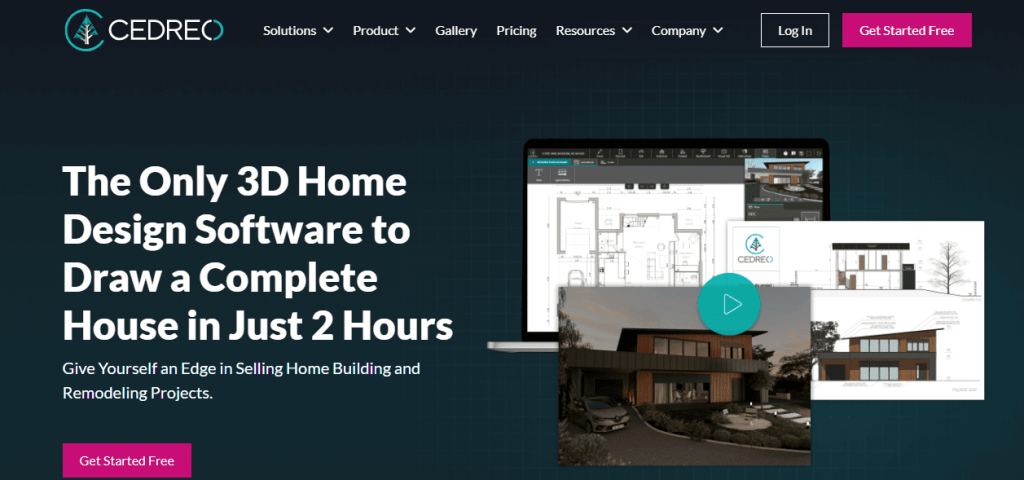

Cedreo is an AI-assisted tool for residential and interior design. It enables architects to create 2D and 3D floor plans quickly.
How Architects Can Use It:
-
Design and present home layouts efficiently.
-
Visualize furniture, lighting, and color schemes.
-
Generate multiple design options for client presentations.
Key Features:
-
2D and 3D floor plan creation.
-
AI-assisted interior layouts and design suggestions.
-
Export high-quality 3D renders.
Pricing:
-
Free plan allows limited projects.
-
Paid plans start at $79/month for unlimited projects and advanced features.
Pros: Fast for residential design and client presentations.
Limitations: Free plan is limited; large projects require subscription.
17. Magicplan (Free)
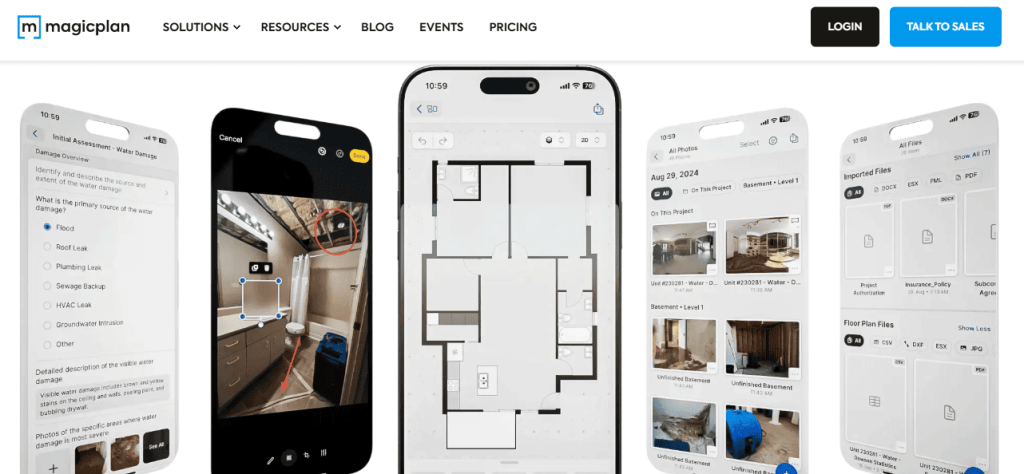
Magicplan is a floor planning tool that uses AI to convert photos of rooms into accurate floor plans. It simplifies measurements and site documentation.
How Architects Can Use It:
-
Scan existing spaces for renovation projects.
-
Generate CAD-compatible floor plans quickly.
-
Reduce manual measurement errors.
Key Features:
-
AI-assisted room scanning and floor plan generation.
-
Automatic measurement calculations.
-
Export to CAD and PDF formats.
Pricing:
-
Free plan available with limited scans.
-
Paid plans start at $9.99/month for unlimited scans and exports.
Pros: Accurate, fast, great for renovation and interior projects.
Limitations: Free plan is limited; full functionality requires subscription.
18. ChatGPT (Free Version)

ChatGPT is a versatile AI assistant that helps architects with text-based tasks, including documentation, brainstorming, and idea generation.
How Architects Can Use It:
-
Write project proposals, reports, or client presentations.
-
Brainstorm design ideas or architectural concepts.
-
Generate content for marketing, social media, or blogs.
Key Features:
-
AI-powered text generation.
-
Chat interface for easy use.
-
Free version available; premium for advanced features.
Pricing:
-
Free version via OpenAI platform.
-
ChatGPT Plus: $20/month for faster responses and extended capabilities.
Pros: Flexible and easy to use for documentation and idea generation.
Limitations: Cannot generate technical drawings or 3D models.
19. Notion AI (Free Plan)

Notion AI is an AI-enhanced productivity and project management tool. Architects can use it to organize projects, track tasks, and document designs.
How Architects Can Use It:
-
Manage project timelines, tasks, and team collaboration.
-
Document client requirements, site notes, and design decisions.
-
Use AI to summarize notes, create reports, and draft content.
Key Features:
-
AI-assisted writing and summarization.
-
Task and project management.
-
Collaboration tools for teams.
Pricing:
-
Free plan with basic AI features.
-
Paid plans start at $8/month per user for advanced features.
Pros: Great for project management and team coordination.
Limitations: AI features are limited in free plan; not a design tool.
How to Choose the Right Free AI Tool for Architects
-
Identify Your Needs
-
Concept design, 3D modeling, rendering, or documentation.
-
Some tools are better for visualization; others for planning or project management.
-
Consider Experience Level
-
Beginner-friendly: Planner 5D, Cedreo, Foyr Neo.
-
Advanced professionals: Archistar AI, ArkDesign AI, Luma AI.
-
Check Integration
-
Ensure tools can export to CAD, Revit, SketchUp, or BIM platforms.
-
Evaluate Free vs Paid Plans
-
Free plans are sufficient for learning and small projects.
-
Upgrade when you need higher resolution, more projects, or advanced AI features.
Future of AI in Architecture
-
Generative Design: AI will continue to produce multiple design options instantly.
-
Sustainable Architecture: AI will optimize energy efficiency, materials, and construction methods.
-
VR & AR Integration: Clients can explore AI-generated designs in immersive environments.
-
Urban Planning: AI will optimize layouts, traffic flow, and infrastructure for smart cities.
Tips for Using AI Tools Effectively
-
Combine multiple tools for best results.
-
Always verify AI-generated designs for feasibility and safety.
-
Use AI for inspiration and efficiency, not replacement.
-
Continuously update your knowledge as AI tools evolve rapidly.
Also Read
How to Use AI for Interior Design
15 Best Free AI Tools for Python Developers
15 Best AI Tools for Finance Professionals
Top 21 AI Tools for Affiliate Marketing
How to Use AI to Make T-Shirt Designs
Conclusion
AI is transforming architecture in 2025. Free tools make it accessible to students, freelancers, and professionals. From concept generation to 3D modeling, rendering, and project management, AI tools save time and boost creativity.
By combining tools like Planner 5D, Archistar AI, MidJourney, and ChatGPT, architects can work smarter, create faster, and present ideas more effectively.
Try these 19 best free AI tools for architects today and see how AI can elevate your workflow.
FAQs – On AI Architects Tools
Q1. What are the best free AI tools for architects in 2025?
The best free AI tools include SketchUp Free, Blender, AutoCAD Web App, ArchiCAD Student Version, and MidJourney for concept visualization. Each tool helps in design, rendering, modeling, or project planning.
Q2. Can architects really rely on free AI tools for professional projects?
Yes. Free AI tools are powerful enough for small to mid-level projects. However, large firms may prefer premium versions for advanced features, cloud storage, and collaboration tools.
Q3. Which AI tool is best for architectural 3D modeling?
Blender and SketchUp Free are excellent for 3D modeling. Blender is great for detailed, photorealistic rendering, while SketchUp is simple and user-friendly for fast modeling.
Q4. How can AI tools save time for architects?
AI tools automate repetitive tasks like generating floor plans, optimizing energy efficiency, and creating 3D renders. This allows architects to focus more on creativity and design.
Q5. Are AI tools replacing architects?
No. AI tools assist architects but cannot replace human creativity, judgment, and client understanding. They act as supportive tools to improve efficiency and design quality.
Q6. What is the best free AI tool for rendering architectural designs?
Blender is one of the best free rendering tools. It supports realistic lighting, materials, and animations, making it ideal for presentations.
Q7. Do I need coding skills to use AI in architecture?
Not at all. Most modern AI tools have easy interfaces. Some advanced tools allow coding for custom automation, but it’s optional.
Q8. Can AI tools help with sustainable building design?
Yes. Tools like EnergyPlus, Insight, and Autodesk Forma use AI to optimize energy efficiency, materials, and sustainability for eco-friendly designs.
Q9. Which AI tool is best for architects who are students?
Students can use free versions of ArchiCAD, Revit (student license), and SketchUp Free. These tools are widely used in the industry, so learning them is beneficial.
Q10. How do I choose the right AI tool for my architecture projects?
Choose based on your project needs. For fast concept sketches, use SketchUp or MidJourney. For realistic 3D renders, use Blender. For energy analysis, use EnergyPlus. For BIM (Building Information Modeling), use Revit Student Version.