


Generating high-quality leads is one of the biggest challenges for businesses today. Traditional methods, like cold calling, manual research, and generic email blasts, are slow, inefficient, and often yield low conversion rates. In 2025, companies are turning to AI lead generation tools to solve these problems.
AI tools can analyze large amounts of data, identify high-potential prospects, automate repetitive tasks, and even personalize outreach. The result? Faster lead acquisition, higher conversion rates, and increased sales efficiency.
According to recent studies, over 70% of B2B companies now use AI tools for lead generation, and businesses report up to 30% improvement in lead conversion when combining AI with human sales strategy.
In this guide, we’ll explore 14 of the best AI lead generation tools in 2025. We’ll cover features, benefits, pricing, step-by-step usage tips, and mini case studies to help you choose the right tool for your business.
What Is AI Lead Generation?
AI lead generation uses artificial intelligence to identify and qualify potential customers. Unlike traditional methods, AI can process massive amounts of data in minutes and predict which prospects are most likely to convert.
How it works:
-
Data collection: AI scans multiple sources, including websites, social media, CRM databases, and emails.
-
Lead scoring: AI ranks prospects based on engagement, behavior, and intent.
-
Automation: Outreach campaigns are automated via email, chat, or social media.
-
Analytics: AI provides insights into lead quality, campaign performance, and conversion probability.
Benefits:
-
Faster identification of high-potential leads.
-
Automated outreach reduces manual workload.
-
Personalized messages improve engagement.
-
Data-driven insights guide sales strategy.
Example: A SaaS startup used AI lead scoring to prioritize leads, reducing wasted outreach by 40% and increasing meetings booked by 25% in just three months.
Why Use AI Lead Generation Tools in 2025?
Businesses adopt AI lead generation tools because they provide:
-
Automation of repetitive tasks: AI handles prospecting, follow-ups, and data entry.
-
Improved lead quality: Predictive analytics identifies prospects most likely to convert.
-
Personalized outreach: AI crafts messages based on behavior, preferences, and engagement history.
-
Data-driven insights: Real-time dashboards help sales teams make informed decisions.
-
Competitive advantage: Early adoption of AI tools often results in faster growth and higher sales efficiency.
Example: A B2B marketing agency implemented AI-driven lead scoring and saw a 20% increase in qualified leads while reducing manual prospecting hours by 50%.
How to Choose the Right AI Lead Generation Tool
When selecting a tool, consider:
-
CRM integration: Ensure compatibility with your current CRM for smooth data flow.
-
Lead scoring capabilities: Prioritize high-quality leads.
-
Automation features: Email campaigns, chatbots, or social media automation.
-
Analytics and reporting: Ability to track and improve performance.
-
Budget and scalability: Choose a solution that grows with your business.
Tip: Test multiple tools with a free trial to determine which fits your workflow best.
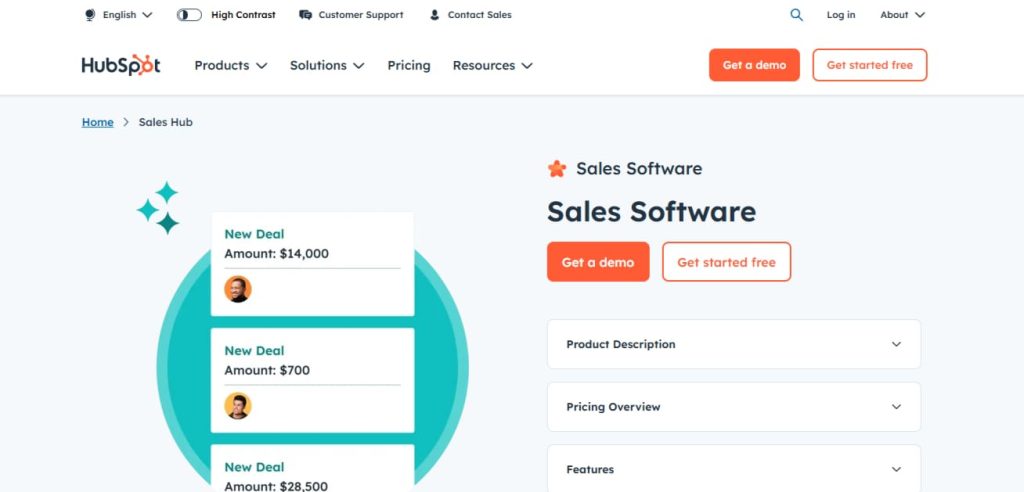
1. HubSpot Sales Hub

Key Features:
-
AI-powered lead scoring.
-
Automated email sequences and follow-ups.
-
Contact tracking and CRM integration.
-
Real-time sales analytics dashboards.
Benefits:
HubSpot is an all-in-one platform for sales teams. Its AI predicts which leads are most likely to convert, prioritizes follow-ups, and automates repetitive tasks. This allows teams to focus on closing deals rather than searching for prospects.
Pricing:
-
Free plan with limited features.
-
Paid plans start at $50/month per user.
Step-by-Step Tips to Use HubSpot for AI Lead Generation:
-
Import leads: Add contacts from your website forms, CRM, or spreadsheets.
-
Set up AI lead scoring: Define criteria like engagement, deal size, and page visits.
-
Automate email sequences: Use AI to schedule follow-ups for high-priority leads.
-
Analyze dashboards: Track which leads are engaging and optimize campaigns accordingly.
Mini Case Study:
A small B2B software company used HubSpot’s AI lead scoring to focus on high-value prospects. Within three months, their qualified leads increased by 35%, and sales conversion improved by 22%.
2. Salesforce Einstein

Key Features:
-
Predictive lead scoring.
-
AI-driven next-best-action recommendations.
-
Workflow automation.
-
Integration with Salesforce CRM.
Benefits:
Salesforce Einstein uses AI to identify the most promising leads and suggests the next steps for sales reps. It helps teams prioritize outreach, personalize communication, and improve overall efficiency.
Pricing:
-
Paid plans start at $75/month per user.
Step-by-Step Tips to Use Salesforce Einstein:
-
Integrate CRM data: Ensure all lead information is synced.
-
Activate AI insights: Einstein analyzes past deals and lead behavior to score prospects.
-
Follow AI recommendations: Use suggested actions for outreach and follow-ups.
-
Track conversions: Monitor performance and adjust strategies based on analytics.
Mini Case Study:
A global enterprise implemented Einstein to prioritize leads across multiple sales teams. Within six months, they increased high-quality lead conversion by 28% and reduced response time by 40%.
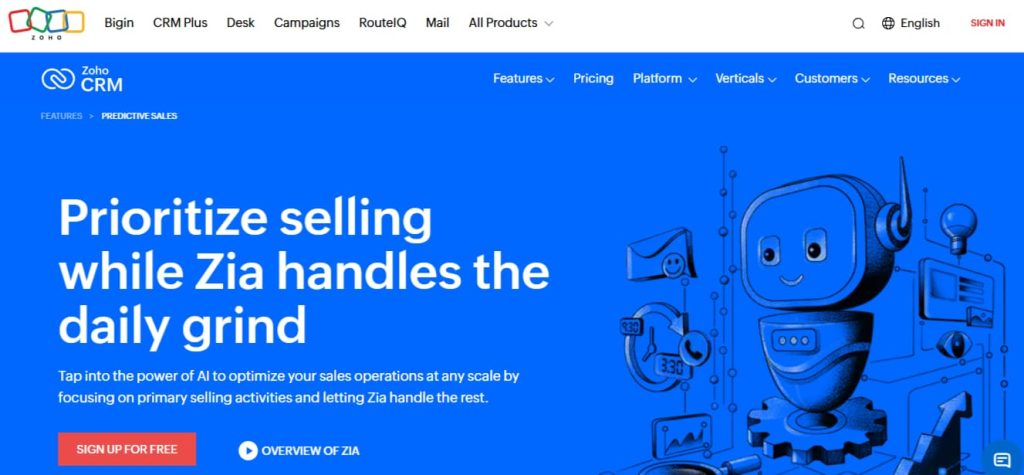
3. Zoho CRM with Zia AI
Key Features:
-
AI-powered predictions and alerts.
-
Sales automation workflows.
-
Lead insights and scoring.
-
Integration with Zoho CRM.
Benefits:
Zia AI monitors leads, identifies patterns, and predicts which prospects are likely to convert. It also sends alerts for important activities and automates repetitive tasks like follow-ups.
Pricing:
-
Free for up to 3 users.
-
Paid plans start at $14/user/month.
Step-by-Step Tips to Use Zoho CRM with Zia AI:
-
Set up AI alerts: Define rules for when Zia should notify you about high-priority leads.
-
Use predictive scoring: Zia predicts which leads have the highest conversion potential.
-
Automate workflows: Schedule follow-up emails or calls based on lead activity.
-
Analyze reports: Review AI insights to identify trends and improve campaigns.
Mini Case Study:
A mid-sized marketing agency implemented Zoho CRM with Zia AI. Within four months, they reduced lead response time by 50% and increased closed deals by 20%.
4. LinkedIn Sales Navigator

Key Features:
-
Advanced search filters to find decision-makers.
-
AI-powered lead recommendations.
-
Real-time alerts on lead activity.
-
Integration with CRM systems.
Benefits:
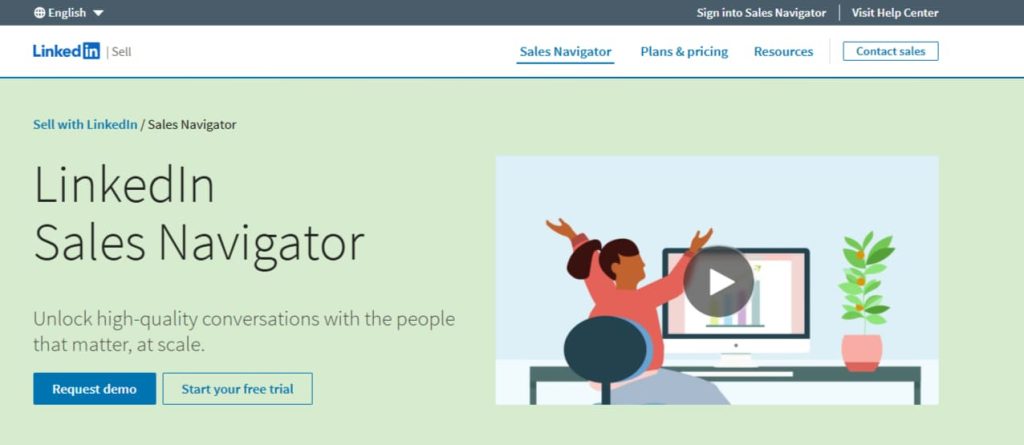
LinkedIn Sales Navigator helps sales teams target the right prospects on the world’s largest professional network. Its AI recommends leads based on your existing connections, engagement patterns, and industry.
Pricing:
-
Paid plans start at $79.99/month per user.
Step-by-Step Tips to Use LinkedIn Sales Navigator:
-
Set up your account: Link Sales Navigator to your LinkedIn profile and CRM.
-
Define search criteria: Use filters like company size, industry, and job title.
-
Follow AI suggestions: LinkedIn recommends leads similar to your current prospects.
-
Engage strategically: Send personalized connection requests or InMails to high-priority leads.
Mini Case Study:
A B2B consulting firm used LinkedIn Sales Navigator to find decision-makers at target companies. Within two months, they increased meetings booked by 30% and reduced wasted outreach by 25%.
5. Leadfeeder

Key Features:
-
Tracks website visitors in real-time.
-
Scores leads based on engagement and behavior.
-
Integration with CRM platforms like HubSpot and Salesforce.
Benefits:
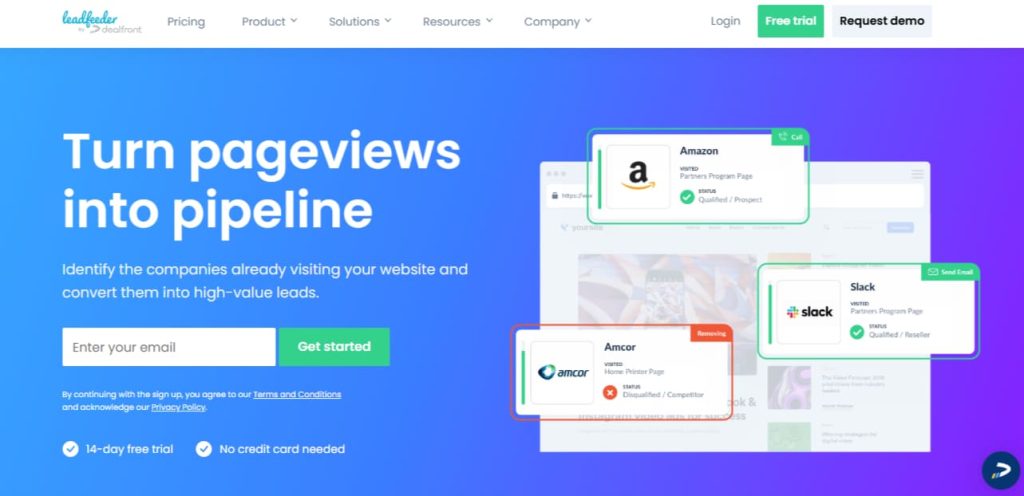
Leadfeeder identifies which companies visit your website and how they interact with your content. Sales teams can focus on the most engaged visitors, improving conversion rates.
Pricing:
-
Free plan available for basic tracking.
-
Paid plans start at $79/month.
Step-by-Step Tips to Use Leadfeeder:
-
Install tracking code: Add Leadfeeder script to your website.
-
Monitor visitors: See which companies are visiting and what pages they engage with.
-
Score leads: Prioritize based on engagement level and company size.
-
Integrate with CRM: Send hot leads to your sales team automatically.
Mini Case Study:
An e-commerce software company used Leadfeeder to track website visitors. Within three months, they identified 50 high-potential leads and converted 15 of them, generating $120,000 in new revenue.
6. Growbots

Key Features:
-
AI-driven prospect database.
-
Automated outreach campaigns.
-
Personalized email sequences.
Benefits:
Growbots finds verified leads that match your target audience. Its AI automates email campaigns, improving response rates and reducing manual workload.
Pricing:
-
Paid plans start at $199/month.
Step-by-Step Tips to Use Growbots:
-
Define your target audience: Set parameters like industry, role, and location.
-
Use AI prospecting: Let Growbots generate a verified lead list automatically.
-
Set up email sequences: Personalize messages for better engagement.
-
Monitor results: Use analytics to improve open and response rates.
Mini Case Study:
A small SaaS company used Growbots to automate lead generation. In four months, they sent 1,200 personalized emails and booked 85 qualified meetings, increasing sales by 28%.
7. Drift

Key Features:
-
AI chatbots for real-time engagement.
-
Conversational marketing automation.
-
Lead routing to sales reps.
-
CRM integration for seamless workflow.
Benefits:
Drift engages website visitors in real-time. Its AI qualifies leads instantly and routes them to the right sales rep. This ensures no hot lead is missed and reduces manual lead qualification.
Pricing:
-
Free trial available.
-
Paid plans start at $50/month.
Step-by-Step Tips to Use Drift:
-
Install chatbot on website: Configure welcome messages and triggers.
-
Define qualification criteria: AI can filter leads based on questions answered or behavior.
-
Route leads: Automatically send qualified leads to the right sales rep.
-
Analyze engagement: Use Drift analytics to optimize chat scripts and increase conversions.
Mini Case Study:
A marketing agency used Drift to qualify website visitors. Within three months, 40% of chatbot interactions converted to meetings, cutting lead qualification time in half.
8. Intercom

Key Features:
-
AI messaging and live chat.
-
Lead scoring and automated workflows.
-
Personalized engagement based on user behavior.
Benefits:
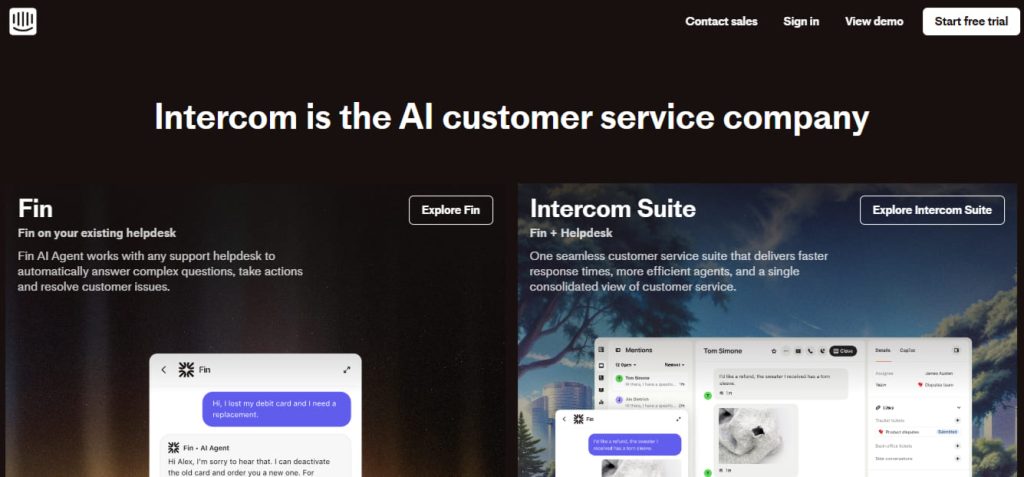
Intercom combines AI chat with lead scoring to identify high-potential prospects quickly. Personalized messaging improves engagement and conversion rates.
Pricing:
-
Paid plans start at $59/month.
Step-by-Step Tips to Use Intercom:
-
Integrate with your website and CRM: Capture leads and sync data automatically.
-
Set up AI messaging: Trigger messages based on user behavior or activity.
-
Score leads: Identify high-potential prospects using engagement metrics.
-
Automate follow-ups: Send automated emails or messages for nurtured engagement.
Mini Case Study:
An e-commerce company implemented Intercom AI chat. Within two months, 60% of chatbot conversations turned into qualified leads, increasing revenue by 18%.
9. Cognism

Key Features:
-
AI-powered prospect database.
-
Lead enrichment with verified contact details.
-
GDPR-compliant global data.
-
Automated email campaigns.
Benefits:
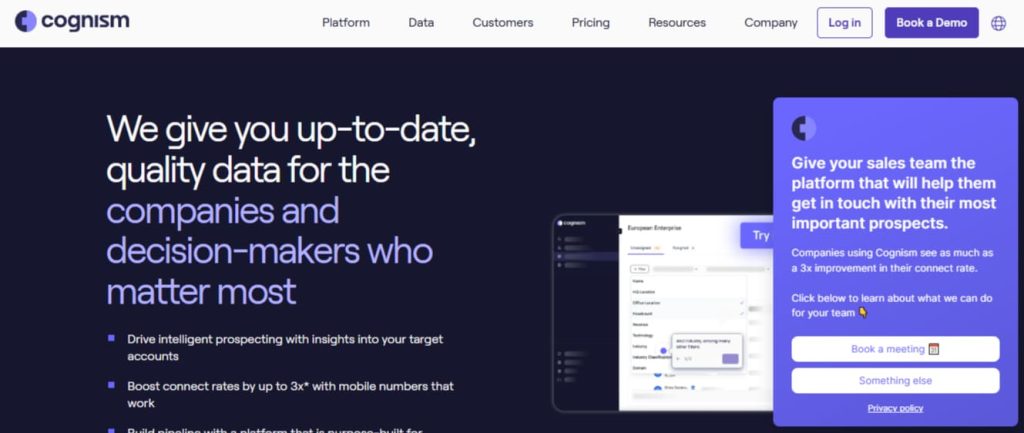
Cognism provides highly accurate lead data for B2B sales teams. Its AI helps generate outbound campaigns, prioritizes high-value leads, and ensures compliance with privacy regulations.
Pricing:
-
Paid plans start at $75/month.
Step-by-Step Tips to Use Cognism:
-
Define target audience: Set parameters like industry, role, and location.
-
Generate AI-powered lead lists: Cognism identifies prospects matching your criteria.
-
Enrich leads: Add verified emails, phone numbers, and company info.
-
Launch campaigns: Use automated email sequences to engage prospects.
Mini Case Study:
A global B2B SaaS company used Cognism to build a verified lead list. Within three months, they booked 120 qualified meetings, increasing sales by 35%.
10. Clearbit
Key Features:
-
Lead enrichment and prospecting.
-
AI-powered analytics for better targeting.
-
CRM integration.
-
Real-time insights on leads and accounts.
Benefits:
Clearbit ensures sales teams focus on high-value prospects. Its AI enriches lead data, identifies engagement patterns, and helps personalize outreach for better conversions.
Pricing:
-
Paid plans start at $99/month.
Step-by-Step Tips to Use Clearbit:
-
Integrate with CRM: Sync your contacts for real-time enrichment.
-
Enrich leads automatically: Get company and contact details instantly.
-
Segment leads: Use AI insights to identify high-value prospects.
-
Run campaigns: Personalize messages based on enriched data for higher response rates.
Mini Case Study:
A mid-sized marketing firm used Clearbit to enrich its lead database. After four months, response rates improved by 25%, and qualified leads increased by 40%.
11. Apollo.io
Key Features:
-
AI-powered prospecting and email sequencing.
-
Lead scoring based on engagement and intent.
-
CRM integration.
Benefits:
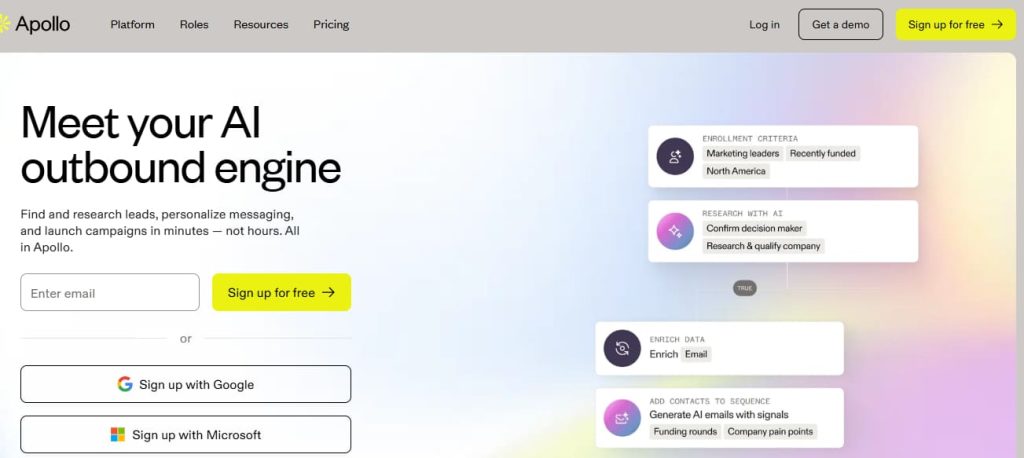
Apollo.io helps sales teams find verified leads and automates outreach campaigns. Its AI suggests the best prospects and sequences to improve engagement.
Pricing:
-
Free plan available.
-
Paid plans start at $49/month.
Step-by-Step Tips to Use Apollo.io:
-
Define ideal customer profile: Set criteria like company size, industry, and role.
-
Generate leads: Let AI find prospects matching your profile.
-
Automate email sequences: Schedule personalized emails for multiple stages of outreach.
-
Monitor analytics: Track open rates, responses, and conversion to optimize campaigns.
Mini Case Study:
A small SaaS startup used Apollo.io for outbound campaigns. Within three months, they booked 70 qualified meetings and increased revenue by 22%.
12. Seamless.ai
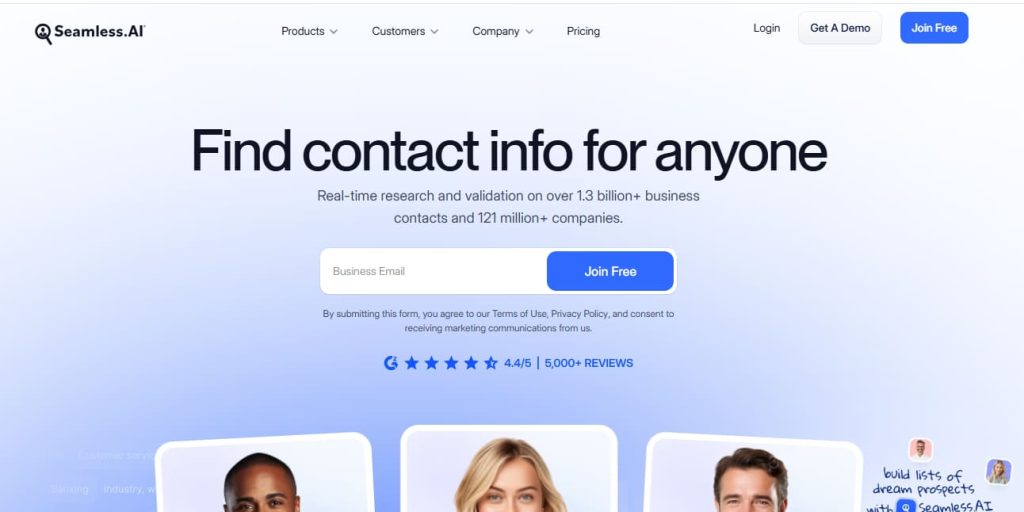

Key Features:
-
AI-powered lead search and verification.
-
Real-time email and phone number validation.
-
CRM integration for seamless workflow.
Benefits:
Seamless.ai ensures sales teams have accurate lead information. Its AI automates prospect discovery and improves targeting for outbound campaigns.
Pricing:
-
Paid plans start at $99/month.
Step-by-Step Tips to Use Seamless.ai:
-
Search for leads: Enter company, role, and location to find prospects.
-
Verify contacts: Ensure emails and phone numbers are valid.
-
Integrate with CRM: Automatically sync verified leads.
-
Launch campaigns: Use AI-driven insights to personalize outreach.
Mini Case Study:
A B2B consulting firm implemented Seamless.ai and reduced lead research time by 60%, converting 25% more leads in three months.
13. Lusha
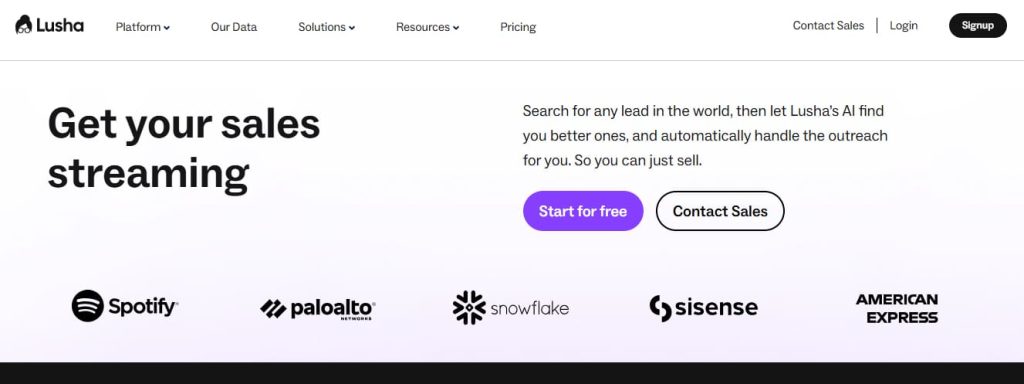

Key Features:
-
AI-powered contact enrichment.
-
Lead discovery from LinkedIn and websites.
-
Email validation and verified phone numbers.
Benefits:
Lusha helps sales reps quickly find accurate contact details, enrich existing leads, and improve outreach efficiency.
Pricing:
-
Free limited plan available.
-
Paid plans start at $29/month.
Step-by-Step Tips to Use Lusha:
-
Install browser extension: Access verified contacts directly from LinkedIn profiles.
-
Search for leads: Use AI to identify decision-makers.
-
Validate emails and phone numbers: Ensure accuracy for outreach.
-
Export to CRM: Sync enriched leads with your sales workflow.
Mini Case Study:
A recruitment agency used Lusha to find accurate contacts for clients. Within two months, candidate placement increased by 30% due to faster lead qualification.
14. InsideSales.com (XANT)
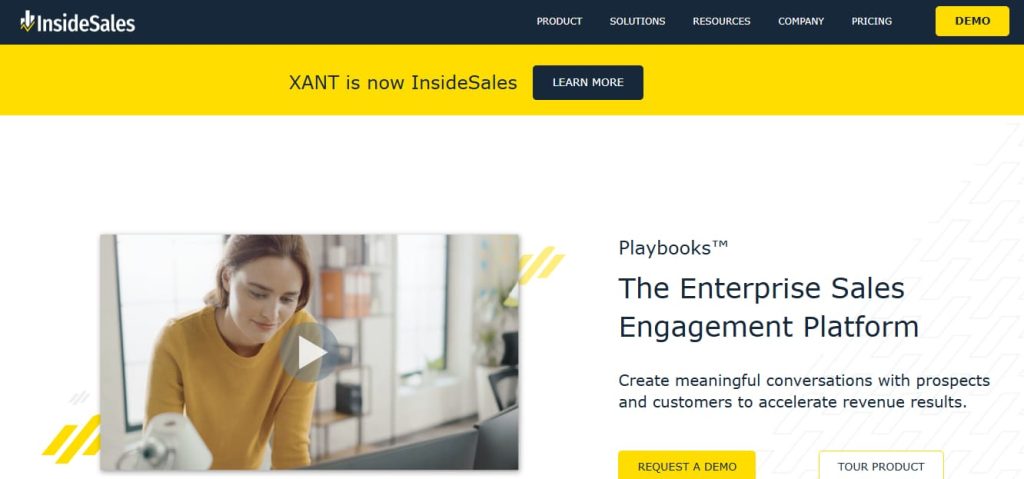

Key Features:
-
Predictive analytics and AI lead scoring.
-
Automated sales cadences.
-
Sales acceleration platform for enterprise teams.
Benefits:
InsideSales.com uses AI to prioritize leads, recommend next best actions, and accelerate sales cycles. Enterprise teams can close deals faster and more efficiently.
Pricing:
-
Custom pricing based on business size and needs.
Step-by-Step Tips to Use InsideSales.com:
-
Integrate CRM: Ensure all leads are synced for predictive analytics.
-
Activate AI scoring: Let XANT rank leads based on engagement and likelihood to convert.
-
Automate cadences: Use AI to schedule follow-ups and outreach sequences.
-
Monitor dashboards: Track pipeline health and adjust strategies in real-time.
Mini Case Study:
A large enterprise sales team implemented XANT and increased high-priority lead conversion by 28% while reducing manual follow-up tasks by 45% within six months.
Advanced Tips to Maximize AI Lead Generation
Using AI lead generation tools effectively requires strategy. Here are proven tips:
1. Combine AI with Human Expertise
AI can automate prospecting and scoring, but human touch is critical for closing deals. Use AI to identify leads, then personalize outreach based on insights.
Example: A B2B software company automated lead identification with HubSpot but used sales reps to send personalized messages. This increased conversions by 22%.
2. Keep Your Data Clean and Updated
AI works best with accurate data. Regularly clean CRM entries and remove duplicates. Outdated data can mislead AI, wasting time and resources.
Tip: Schedule weekly data audits and update contact information with tools like Clearbit or Lusha.
3. A/B Test Your Campaigns
Test different email subject lines, messages, and call-to-actions. AI tools can track which versions perform best and optimize campaigns automatically.
Example: Using Apollo.io, a startup tested two email sequences and discovered one increased response rate by 35%.
4. Leverage Multi-Channel Outreach
Combine emails, calls, LinkedIn messages, and chatbots. Tools like Drift and Intercom automate multi-channel engagement, ensuring no lead falls through the cracks.
Tip: Track engagement across all channels and adjust messaging for each touchpoint.
5. Monitor Analytics and Metrics
Use dashboards in HubSpot, Salesforce, or Zoho to monitor performance. Track conversion rates, lead quality, and engagement scores. AI can suggest improvements based on real-time data.
Example: A mid-sized marketing firm used Cognism analytics to identify the top-performing leads, boosting sales by 30%.
Common Mistakes to Avoid with AI Lead Generation
Even the best AI tools fail if misused. Avoid these pitfalls:
-
Over-reliance on AI without human interaction
-
AI identifies leads, but humans build relationships.
-
-
Ignoring data privacy regulations
-
Ensure tools comply with GDPR, CCPA, and other local laws.
-
-
Using multiple tools without integration
-
Disconnected tools create data silos. Always integrate with CRM.
-
-
Neglecting personalization
-
Automated, generic messages reduce engagement.
-
-
Failing to analyze results
-
AI tools provide insights—use them to optimize campaigns continuously.
-
Also Read
Top 12 AI CRM Tools to Improve Customer Experience
Top 21 AI Tools for Affiliate Marketing Success
21 Best AI Tools for Real Estate Professionals
Frequently Asked Questions (FAQs)
Q1: What is the best AI lead generation tool for small businesses?
-
HubSpot Sales Hub and Zoho CRM with Zia AI are excellent choices for affordability, ease of use, and scalability.
Q2: Can AI tools increase sales significantly?
-
Yes. AI automates prospecting, improves lead quality, and prioritizes high-potential leads, leading to higher conversion rates.
Q3: Are AI tools expensive?
-
Many offer free plans or trials. Paid plans range from $29 to $199/month depending on features and team size.
Q4: Do AI tools replace human sales reps?
-
No. AI supports sales reps by automating repetitive tasks and improving targeting. Human interaction is still essential for closing deals.
Q5: How do I choose the right AI tool?
-
Consider your team size, CRM integration, automation needs, and budget. Test tools before committing.
Q6: Can AI personalize messages automatically?
-
Yes. Many tools analyze behavior and engagement to craft personalized emails, messages, and follow-ups.
Q7: How fast can I see results?
-
Depending on the tool and strategy, businesses often see improvements in lead quality and engagement within 1–3 months.
Conclusion
AI lead generation tools are revolutionizing sales in 2025. By using these 14 tools, businesses can:
-
Automate lead discovery and outreach.
-
Focus on high-value leads.
-
Improve engagement with personalized communication.
-
Increase efficiency and revenue.
Key Takeaway: Combining AI automation with human strategy is the fastest way to boost sales and conversions. AI identifies opportunities, but humans build relationships and close deals.
Actionable Steps to Get Started
-
Select 1–2 AI tools that fit your business needs.
-
Integrate tools with your CRM for seamless workflows.
-
Automate lead scoring and outreach for efficiency.
-
Personalize messages to increase engagement.
-
Track metrics regularly to optimize campaigns.
-
Test and iterate for continuous improvement.
Pro Tip: Start small, focus on high-priority leads, and scale as you see results.