

Accounting has always been about numbers, accuracy, and time management. But in 2025, accountants are not just crunching numbers with calculators or spreadsheets. They are using AI tools that save hours of manual work, reduce errors, and give better financial insights.
AI is no longer just for tech companies. It is now a powerful helper for accounting firms, small businesses, and even freelance accountants. From bookkeeping automation to tax filing and fraud detection, AI is changing the way finance is managed.
In this guide, we will explore the 15 best AI tools for accountants in 2025. You will learn what they do, why they are useful, and how you can use them step by step. By the end, you will know exactly which tools can help you save time, cut costs, and make smarter financial decisions.
Why Accountants Need AI in 2025
Let’s start with the big question: why AI?
-
Saves Time – AI can handle repetitive tasks like data entry, invoice processing, and tax calculations.
-
Reduces Errors – Mistakes in finance are costly. AI helps detect errors early.
-
Smart Insights – AI tools don’t just store data. They analyze it and provide clear insights for decision-making.
-
Cost-Effective – By automating work, companies need fewer manual hours, which reduces expenses.
-
Better Compliance – AI tools are always updated with the latest tax rules and financial laws.
In short, AI makes accounting faster, smarter, and safer.
How to Use AI Tools as an Accountant (Beginner’s Guide)
Before we explore the tools, here is a simple guide on how to use them:
-
Step 1: Identify Your Need
Do you want to save time in bookkeeping, manage payroll, or detect fraud? -
Step 2: Choose the Right Tool
Pick a tool that fits your work style and budget. For example, QuickBooks AI for small businesses or Xero for startups. -
Step 3: Connect Your Data
Most AI tools connect with your bank accounts, invoices, and tax records. -
Step 4: Automate Workflows
Set up automation like auto-invoice creation, tax reminders, or real-time fraud alerts. -
Step 5: Monitor and Adjust
Review results regularly. Fine-tune settings to improve accuracy.
Even if you are not a tech expert, these steps are simple. Most AI tools come with tutorials and customer support.
15 Best AI Tools for Accountants in 2025
Discover the 15 best AI tools for accountants in 2025 to save time, automate finance tasks, and boost accuracy. Learn how to use each tool step by step and transform your accounting workflow.
1. QuickBooks AI – Best for Small Business Accounting
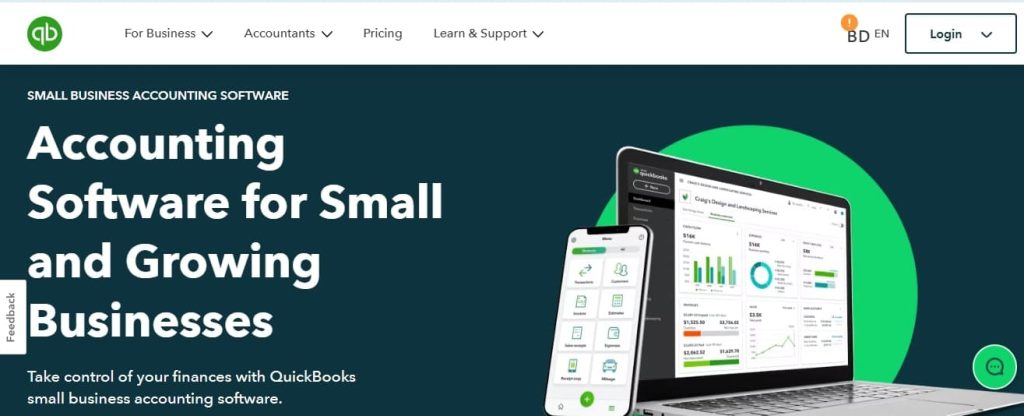
QuickBooks is one of the most popular accounting tools, and in 2025, it now comes with powerful AI features. It helps small business owners and accountants manage books, taxes, and payroll with automation.
Key Features
-
AI-powered bookkeeping automation
-
Real-time expense tracking
-
AI chat assistant for tax questions
-
Predictive cash flow reports
-
Fraud detection alerts
Why It’s Useful for Accountants
-
Saves hours of manual bookkeeping
-
Helps avoid mistakes in tax filing
-
Gives better insights into business cash flow
Step-by-Step Guide to Use QuickBooks AI
-
Sign up for a QuickBooks account.
-
Connect your bank accounts, credit cards, and invoices.
-
Enable AI features for automated categorization of expenses.
-
Use the AI assistant to ask questions like “What are my top expenses this month?”
-
Generate AI-powered tax-ready reports with one click.
QuickBooks AI is perfect for small businesses, startups, and freelance accountants who want speed and simplicity.
2. Xero AI – Best for Cloud Accounting
Xero is a cloud-based accounting platform that has grown smarter with AI in 2025. It focuses on automation for bookkeeping, invoicing, and financial reporting.
Key Features
-
AI-powered bank reconciliation
-
Automated invoice reminders
-
Real-time cash flow forecasting
-
AI chatbot for accounting support
-
Integration with payroll and tax tools
Why It’s Useful for Accountants
-
Makes accounting more accurate and cloud-friendly
-
Cuts down manual reconciliation work
-
Provides quick access to financial data anytime
Step-by-Step Guide to Use Xero AI
-
Create a Xero account and connect it to your business bank account.
-
Upload invoices or connect with your e-commerce platform.
-
Let the AI auto-match payments and invoices.
-
Set up smart invoice reminders to avoid late payments.
-
Use AI insights for cash flow forecasting.
Xero AI is excellent for businesses that prefer cloud-based accounting with smart automation.
3. FreshBooks AI – Best for Freelancers and Small Teams

FreshBooks is widely known as a simple accounting tool for freelancers and small businesses. In 2025, it has added smart AI features that make invoicing and expense tracking much faster.
Key Features
-
AI-powered invoice creation
-
Smart time-tracking for projects
-
Automated expense categorization
-
Payment reminders with AI scheduling
-
AI chatbot for client invoice queries
Why It’s Useful for Accountants
-
Perfect for freelancers managing multiple clients
-
Saves time on repetitive invoicing
-
Reduces missed or late payments
Step-by-Step Guide to Use FreshBooks AI
-
Create a FreshBooks account and set up your profile.
-
Add clients and link your preferred payment method.
-
Use the AI assistant to generate invoices automatically.
-
Track time for projects, and let AI convert hours into invoices.
-
Set up automated reminders so clients pay on time.
FreshBooks AI is ideal for self-employed accountants, consultants, and small agencies.
4. Sage Intacct – Best for Large Businesses and Enterprises
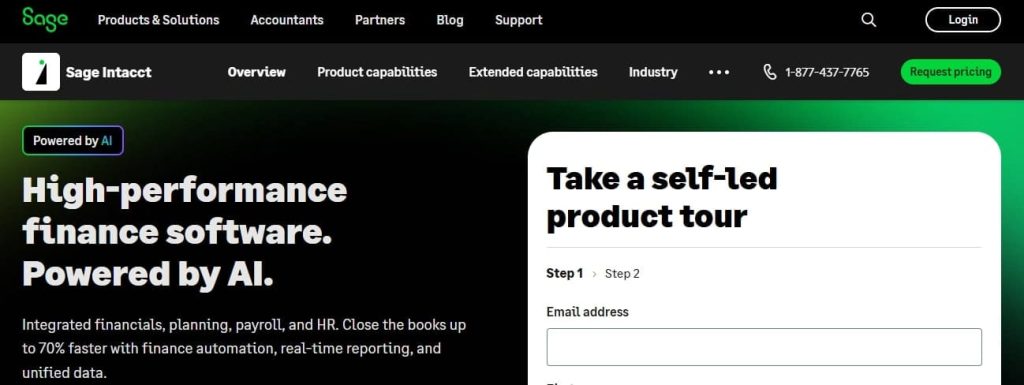
Sage Intacct is a powerful accounting platform designed for medium to large companies. With AI integration, it helps finance teams automate reporting, compliance, and forecasting.
Key Features
-
AI-driven financial reporting
-
Real-time compliance checks
-
Expense and project accounting automation
-
Predictive forecasting powered by AI
-
Multi-entity accounting for large organizations
Why It’s Useful for Accountants
-
Reduces the risk of compliance errors
-
Handles complex accounting tasks for big firms
-
Provides deep insights into company-wide finances
Step-by-Step Guide to Use Sage Intacct AI
-
Sign up and integrate Sage Intacct with your company ERP system.
-
Upload financial data such as invoices, payroll, and project costs.
-
Enable AI for real-time compliance tracking.
-
Generate predictive reports for budget planning.
-
Set up AI workflows to automate expense approvals.
Sage Intacct is the go-to tool for enterprise accountants who need advanced automation and reporting.
5. Zoho Books AI – Best Budget-Friendly AI Accounting Tool
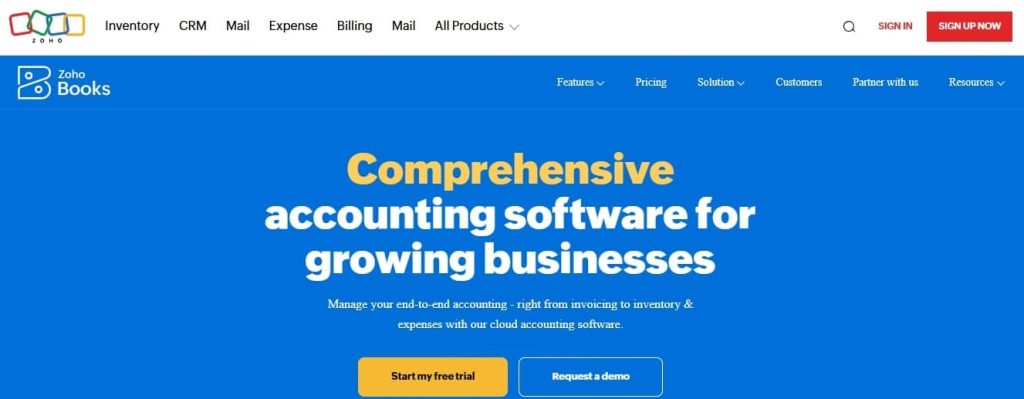
Zoho Books is a cost-friendly accounting solution that has added strong AI features in 2025. It is suitable for startups, freelancers, and small business owners.
Key Features
-
AI-powered transaction categorization
-
Smart invoice management
-
Expense tracking with OCR (scans receipts)
-
AI reminders for payments and taxes
-
AI assistant “Zia” for queries and insights
Why It’s Useful for Accountants
-
Affordable compared to other platforms
-
Automates bookkeeping without complex setup
-
Offers AI-powered insights for small businesses
Step-by-Step Guide to Use Zoho Books AI
-
Open a Zoho Books account and connect your bank account.
-
Upload invoices and receipts. The AI will auto-scan them.
-
Use Zia (AI assistant) to ask questions like:
-
“What are my biggest expenses this quarter?”
-
“When is my next tax payment due?”
-
-
Set up recurring invoices and automated payment reminders.
-
Generate AI-powered tax reports with one click.
Zoho Books AI is perfect for those looking for a budget-friendly yet powerful AI accounting tool.
6. Wave Accounting AI – Best Free AI Tool for Accountants
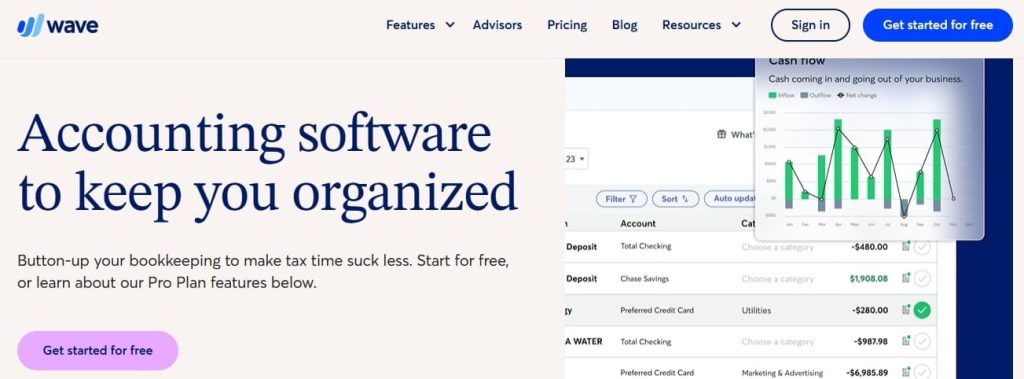
Wave is one of the most popular free accounting platforms for freelancers and small businesses. In 2025, Wave has added AI features to make financial management even easier.
Key Features
-
AI-powered receipt scanning
-
Automated invoice creation
-
Expense categorization with machine learning
-
AI assistant for financial insights
-
Free payroll integration (paid add-on for advanced features)
Why It’s Useful for Accountants
-
Great for startups with limited budgets
-
Saves hours of manual expense entry
-
Offers automation without hidden costs
Step-by-Step Guide to Use Wave AI
-
Create a free Wave account.
-
Link your bank accounts and credit cards.
-
Upload receipts, and AI will auto-scan and record them.
-
Use AI insights to track cash flow and expenses.
-
Generate financial reports with one click.
Wave AI is a fantastic free option for individuals, freelancers, and small firms that want simple automation.
7. BlackLine AI – Best for Financial Close and Compliance
BlackLine is a leading tool for financial automation and compliance. Its AI features in 2025 focus on making audits, reconciliations, and compliance checks faster.
Key Features
-
AI-powered financial close management
-
Automated reconciliations
-
Fraud detection and risk alerts
-
Real-time compliance monitoring
-
Audit-ready reporting
Why It’s Useful for Accountants
-
Saves time in month-end and year-end closings
-
Reduces compliance risks for big firms
-
Ensures financial data accuracy
Step-by-Step Guide to Use BlackLine AI
-
Integrate BlackLine with your ERP or accounting system.
-
Import financial records and transaction data.
-
Let AI detect mismatches in reconciliations automatically.
-
Use AI fraud alerts to prevent suspicious activity.
-
Generate compliance-ready audit reports.
BlackLine AI is best suited for enterprises, finance teams, and auditors handling large volumes of transactions.
8. OneUp AI – Best for Inventory and Accounting Together
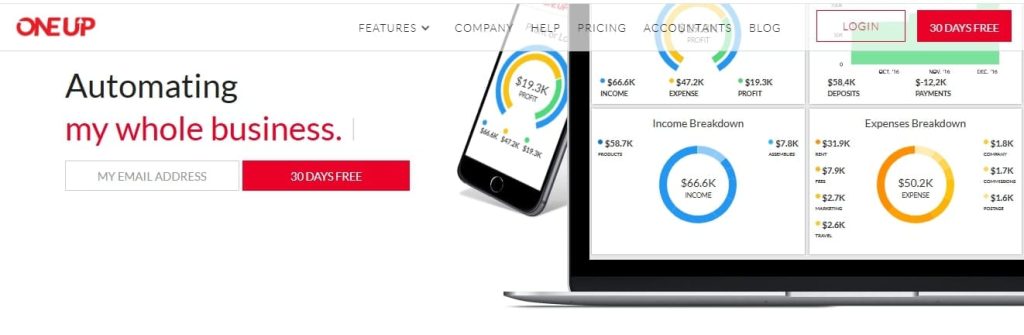
OneUp is a smart AI accounting and inventory management tool. It is perfect for businesses that need both accounting and stock control in one platform.
Key Features
-
AI-driven bookkeeping automation
-
Inventory tracking with AI
-
Sales and expense forecasting
-
Automated invoicing and reminders
-
AI insights for cash flow
Why It’s Useful for Accountants
-
Combines inventory + accounting in one system
-
Helps businesses track products and finances together
-
Saves time on manual bookkeeping and stock calculations
Step-by-Step Guide to Use OneUp AI
-
Create a OneUp account and link your bank accounts.
-
Add your inventory list (products, prices, and stock levels).
-
Let AI auto-update stock when sales are recorded.
-
Use the AI assistant to generate cash flow and expense forecasts.
-
Automate invoicing and set reminders for clients.
OneUp AI is best for accountants working with retail, wholesale, or e-commerce businesses.
9. Botkeeper – Best AI Bookkeeping Assistant
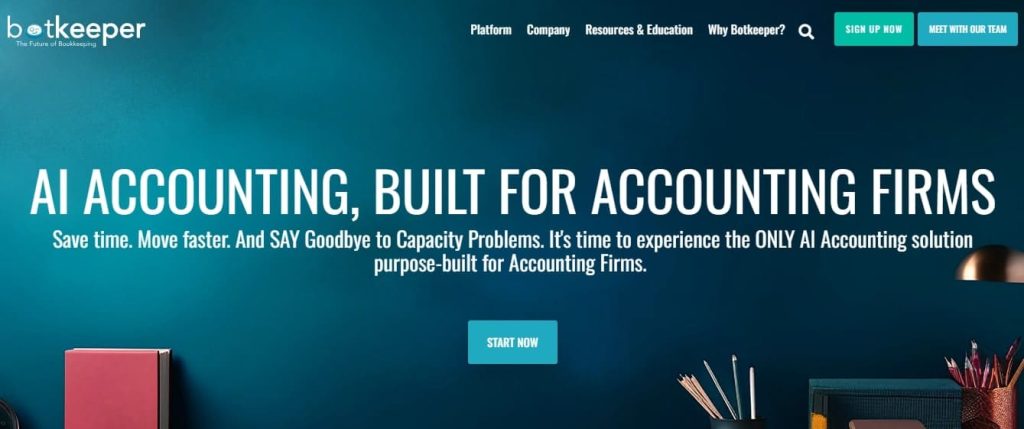
Botkeeper is an AI-powered bookkeeping platform that replaces many manual tasks accountants normally do. It combines automation with human oversight to ensure accurate results.
Key Features
-
Automated bookkeeping with AI
-
Transaction categorization
-
Real-time dashboards for financial data
-
AI-powered error detection
-
Integrations with QuickBooks and Xero
Why It’s Useful for Accountants
-
Cuts down time spent on manual data entry
-
Helps accountants focus on analysis instead of routine tasks
-
Offers scalability for firms with many clients
Step-by-Step Guide to Use Botkeeper
-
Create an account and connect your accounting software.
-
Import bank statements and transaction records.
-
Let AI auto-categorize expenses and income.
-
Use dashboards to track cash flow and KPIs.
-
Get reports verified by Botkeeper’s human accountants if needed.
Botkeeper is ideal for firms handling multiple clients who want to scale bookkeeping without extra staff.
10. Tipalti – Best AI Tool for Accounts Payable
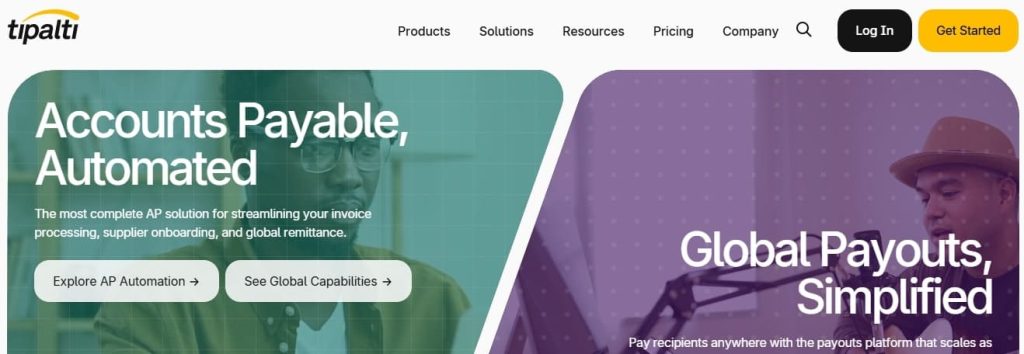
Tipalti is a finance automation platform that focuses on accounts payable (AP) and payment workflows. In 2025, its AI helps accountants manage vendor payments and compliance faster.
Key Features
-
AI-powered invoice processing
-
Automated vendor onboarding
-
Smart global payment system
-
Real-time fraud and compliance checks
-
AI-driven tax compliance reporting
Why It’s Useful for Accountants
-
Saves time in managing AP workflows
-
Reduces human errors in vendor payments
-
Ensures compliance with local and international tax laws
Step-by-Step Guide to Use Tipalti
-
Sign up and connect Tipalti with your accounting system.
-
Import vendor details and invoices.
-
Let AI scan invoices for accuracy and compliance.
-
Use automation to schedule vendor payments.
-
Generate AI-driven tax and compliance reports.
Tipalti is best for mid-sized to large companies that process many vendor payments every month.
11. Vic.ai – Best for AI-Powered Expense Management
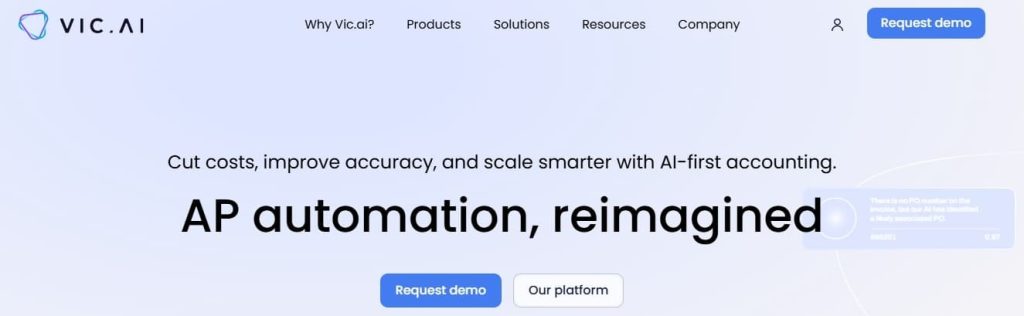
Vic.ai is an AI accounting platform that focuses on expense management and accounts payable automation. It uses machine learning to improve over time.
Key Features
-
AI-powered invoice processing
-
Automated expense categorization
-
Real-time anomaly and fraud detection
-
Predictive analytics for expenses
-
Integrations with ERP and accounting tools
Why It’s Useful for Accountants
-
Reduces the time spent on invoice approvals
-
Improves expense accuracy with machine learning
-
Provides better financial insights for planning
Step-by-Step Guide to Use Vic.ai
-
Create a Vic.ai account and connect it with your ERP system.
-
Upload or import invoices.
-
Let AI auto-categorize and approve expenses.
-
Use anomaly detection to catch fraud or errors.
-
Generate predictive reports for future expense planning.
Vic.ai is best for firms and companies that want AI-driven efficiency in handling large expense workflows.
12. Domo AI – Best for Financial Data Visualization
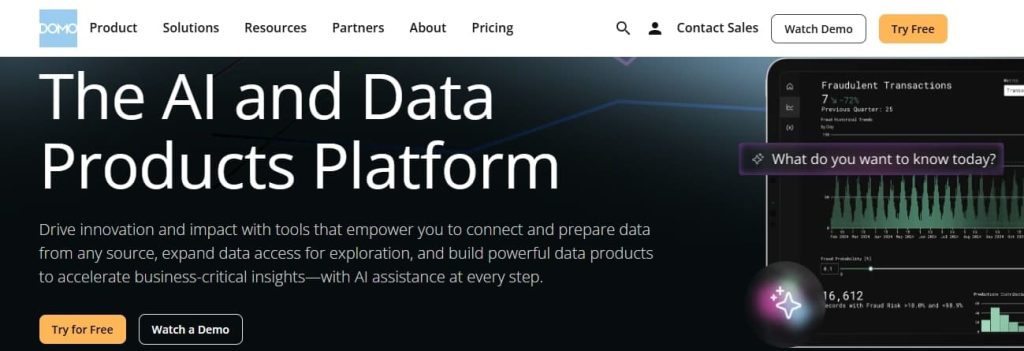
Domo AI is a business intelligence and accounting-friendly analytics platform. It uses AI to transform complex financial data into easy-to-understand dashboards and reports.
Key Features
-
AI-powered financial dashboards
-
Real-time cash flow and revenue insights
-
Automated data integration from multiple sources
-
Predictive analytics for business growth
-
AI alerts for unusual financial activity
Why It’s Useful for Accountants
-
Makes financial reporting clear and visual
-
Helps accountants explain data to business owners or managers
-
Provides quick insights for decision-making
Step-by-Step Guide to Use Domo AI
-
Sign up for Domo and connect it with your accounting software (QuickBooks, Xero, Sage, etc.).
-
Import data such as revenue, expenses, and payroll.
-
Use AI to create interactive financial dashboards.
-
Set up custom alerts for unusual activity or expense spikes.
-
Share visual reports with clients or executives.
Domo AI is perfect for accountants who need to present data clearly and support business strategy.
13. FloQast AI – Best for Accounting Workflow Automation
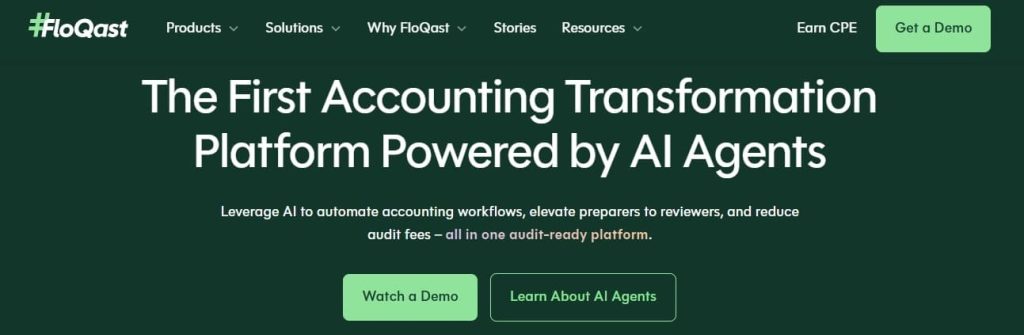
FloQast is a workflow automation tool designed for accountants. Its AI helps finance teams speed up month-end close, reconciliations, and reporting.
Key Features
-
AI-driven financial close automation
-
Automated reconciliations
-
Smart checklists for accounting tasks
-
AI insights for faster audits
-
Integration with ERP and accounting systems
Why It’s Useful for Accountants
-
Reduces stress during financial closing periods
-
Automates manual reconciliations
-
Improves collaboration in finance teams
Step-by-Step Guide to Use FloQast AI
-
Connect FloQast to your ERP or accounting software.
-
Upload your financial records for closing.
-
Use AI to reconcile accounts automatically.
-
Assign tasks with smart checklists.
-
Generate audit-ready reports with AI insights.
FloQast AI is best for accounting teams in mid-to-large companies.
14. KPMG Clara AI – Best for Auditing and Risk Management

KPMG Clara AI is a professional audit and risk management platform built by KPMG. In 2025, it uses advanced AI for fraud detection, compliance, and large-scale audits.
Key Features
-
AI-powered risk assessment
-
Real-time fraud detection
-
Compliance monitoring
-
Predictive analytics for financial risks
-
Audit-ready reporting tools
Why It’s Useful for Accountants
-
Helps auditors identify risks faster
-
Reduces fraud-related financial losses
-
Ensures compliance with global financial standards
Step-by-Step Guide to Use KPMG Clara AI
-
Access KPMG Clara via subscription or enterprise package.
-
Upload client financial records and audit data.
-
Let AI analyze transactions for fraud or compliance issues.
-
Use predictive risk scoring to identify high-risk areas.
-
Generate AI-powered audit reports.
KPMG Clara AI is designed for auditors, enterprise accountants, and compliance officers.
15. MindBridge AI – Best for AI-Powered Auditing
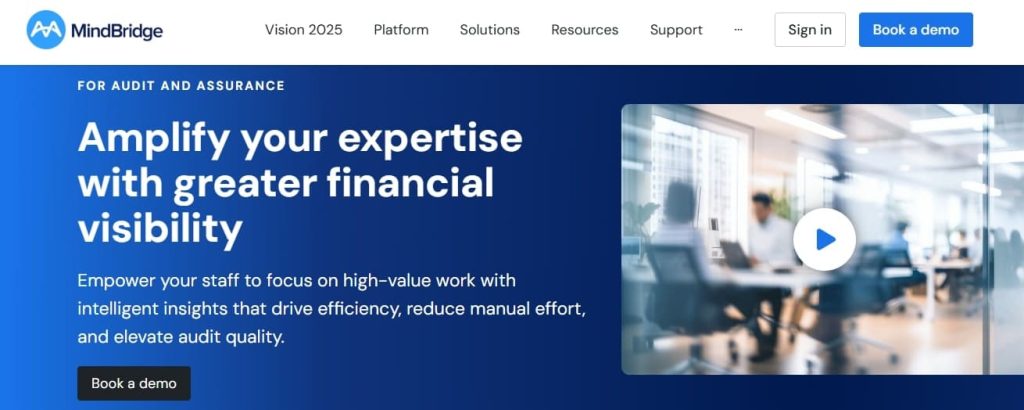
MindBridge AI is an advanced audit and analytics platform. It uses artificial intelligence to detect errors, risks, and fraud that traditional methods might miss.
Key Features
-
AI-based anomaly detection
-
Automated risk scoring of transactions
-
Fraud detection in real-time
-
Audit-ready financial reporting
-
Machine learning that improves over time
Why It’s Useful for Accountants
-
Makes auditing much faster and more accurate
-
Identifies risks before they cause financial loss
-
Helps firms stay compliant and transparent
Step-by-Step Guide to Use MindBridge AI
-
Create a MindBridge account and upload financial records.
-
Let AI scan transactions for anomalies or unusual patterns.
-
Review the risk scores assigned to different accounts.
-
Use the AI dashboard to detect fraud or compliance issues.
-
Export reports for audits or client presentations.
MindBridge AI is excellent for auditors, forensic accountants, and firms handling sensitive financial data.
Also Read
15 Best AI Tools for Journalists
13 Best AI Tools for Customer Support
15 Best AI Tools for Finance Professionals
19 Best Free AI Tools for Architects
Conclusion
In 2025, AI is no longer just a nice-to-have for accountants. It is becoming a must-have tool. From small business owners using QuickBooks AI to global firms relying on KPMG Clara AI and MindBridge, the benefits are clear:
-
Save time with automation
-
Reduce costly errors
-
Stay compliant with updated regulations
-
Make smarter decisions with AI insights
Accountants who adopt AI tools now will stay ahead in their careers and help businesses grow faster. Those who ignore them risk falling behind in efficiency and accuracy.
If you are an accountant in 2025, the best step you can take is to choose the right AI tools for your needs and start automating today.
FAQs
1. Can AI replace accountants?
No. AI helps with repetitive tasks, but accountants are still needed for strategy, decision-making, and financial guidance.
2. Are AI accounting tools safe?
Yes. Most tools use strong security like encryption and compliance certifications. Always choose trusted providers.
3. What is the best free AI tool for accountants?
Wave Accounting AI is the best free option for small businesses and freelancers.
4. Which AI tool is best for large companies?
Sage Intacct, BlackLine AI, and KPMG Clara AI are designed for enterprise-level accounting.
5. How can I start using AI in accounting?
-
Pick a tool that fits your business size
-
Connect your financial data
-
Enable automation for tasks like invoicing or reporting
-
Review and adjust settings regularly